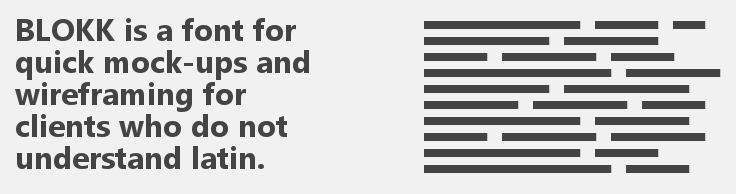
BLOKK – handy font for quick mock-ups and wireframing
“Playing with type” article discusses some of the issues related to typography and typesetting, and how to work around those. Some of the services mentioned are:
Update (November 15, 2018): Also have a look at this tool.

Toptal runs the article “One Size Fits Some: A Guide to Responsive Web Design Image Solutions“, which discusses one of the trickiest problems of today’s web design and development – responsive images. They cover several tools and approaches – from HTML5 elements to on-the-fly image resizing and source shuffling.
Much recommended!
ImageMagick is one of my favorite tools ever. I’ve used for years for a whole lot of different things – from simple image resizing, through animation generation, to palette manipulation. And still, I don’t really know it that well, so when I see articles like this – “Efficient Image Resizing With ImageMagick“, I get excited. Not only it gives you a better way of doing things, but it also explains the path of how to get there. From a simple command like:
convert input.jpg -resize 300 output.jpg
to something as advanced as this:
mogrify \
  -path OUTPUT_PATH \
  -filter Triangle \
  -define filter:support=2 \
  -thumbnail OUTPUT_WIDTH \
  -unsharp 0.25x0.25+8+0.065 \
  -dither None \
  -posterize 136 \
  -quality 82 \
  -define jpeg:fancy-upsampling=off \
  -define png:compression-filter=5 \
  -define png:compression-level=9 \
  -define png:compression-strategy=1 \
  -define png:exclude-chunk=all \
  -interlace none \
  -colorspace sRGB \
  -strip INPUT_PATH
What’s even more exciting is that it looks like this optimization will make its way into WordPress 4.4, together with some other improvements for the responsive images.
Super cool!