WordPress Plugin : Image Processing Queue

As described in “Introducing WP Image Processing Queue – On‑the‑Fly Image Processing Done Right“, Image Processing Queue plugin tries to solve several issues with On-The-Fly Image Processing (OTFIP) in WordPress.  Some of the things that it improves are:

  • Response times for pages with non-yet generated thumbnails.
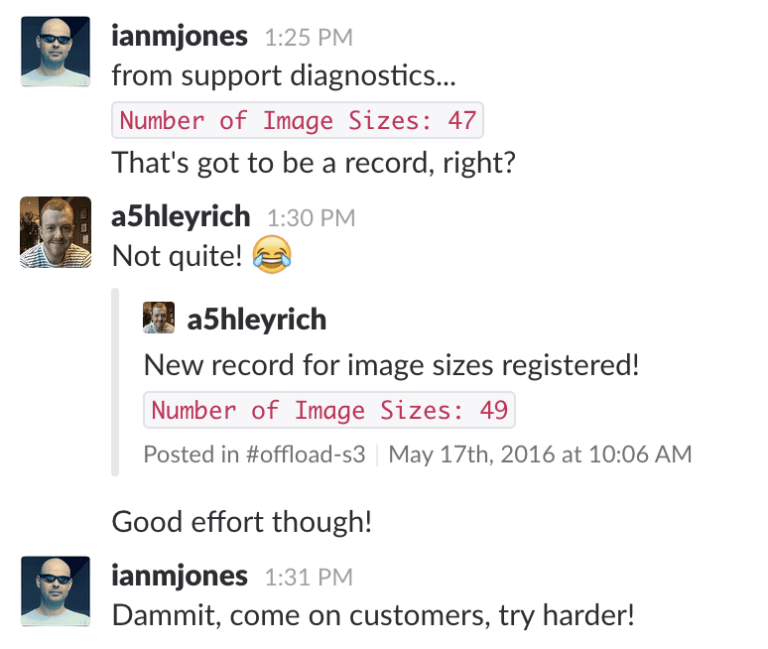
  • Server CPU spikes for pages which use a lot of images on sites with a lot of configured thumbnail sizes (49? really? WOW! I don’t think I’ve seen more than 10 in the wild, which is still a lot).
  • Server disk space issues caused by removed images and leftover thumbnails.

This is a very useful direction and I hope all the necessary bits will make it into the WordPress core.  But even for those who don’t use WordPress, the whole discussion and implementation are a handy reference.

PHPUnit Snapshot Assertions – a way to test without writing actual test cases

phpunit-snapshot-assertions – is an interesting addition to the PHPUnit assertions which allows testing against previously created snapshots.  This is particularly useful for testing the outputs of API end-points, format conversion functions, and the like.  Instead of testing the actual functionality, these assertions allow to compare the output of the current test run with the known good output of a previously created snapshot.

This works well for generic text, but even better for widely used formats like JSON and XML, where, in case of a failed assertion, a meaningful difference can be provided.

Here is a blog post providing some more details on philosophy and methodology.

Charles – web debugging proxy application

Charles is a web debugging proxy application for Windows, Mac OS, and Linux.  Here’s a quick description from the project’s website:

Charles is an HTTP proxy / HTTP monitor / Reverse Proxy that enables a developer to view all of the HTTP and SSL / HTTPS traffic between their machine and the Internet. This includes requests, responses and the HTTP headers (which contain the cookies and caching information).

And here are some key features:

  • SSL Proxying – view SSL requests and responses in plain text
  • Bandwidth Throttling to simulate slower Internet connections including latency
  • AJAX debugging – view XML and JSON requests and responses as a tree or as text
  • AMF – view the contents of Flash Remoting / Flex Remoting messages as a tree
  • Repeat requests to test back-end changes
  • Edit requests to test different inputs
  • Breakpoints to intercept and edit requests or responses
  • Validate recorded HTML, CSS and RSS/atom responses using the W3C validator

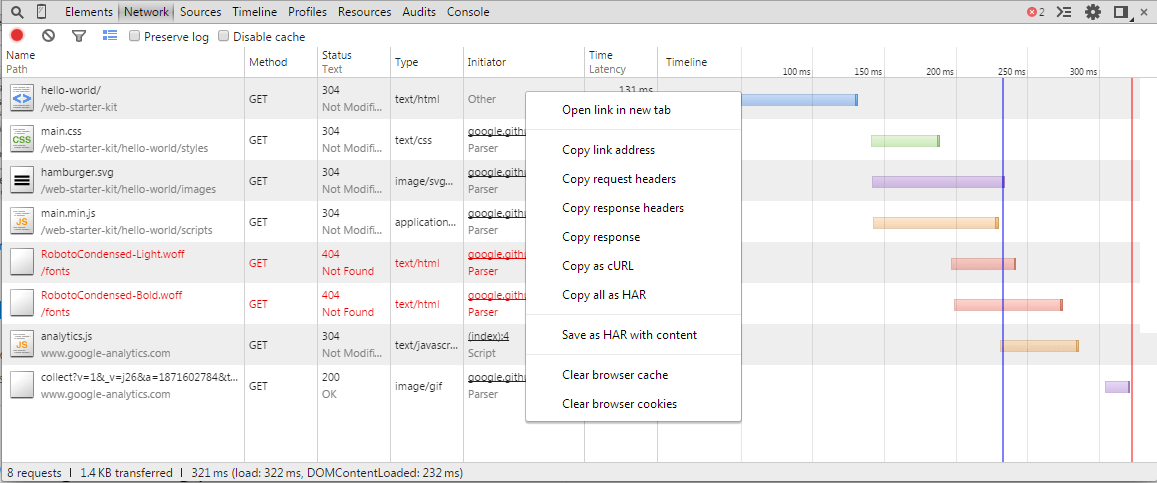
Pretty much every browser these days comes with developer tools (like Google Chrome, for example).

But these are mostly useful for requests made by the browser itself.  Often, like depicted in “PHP and cURL: How WordPress makes HTTP requests” blog post from which I learned about Charles, one needs to examine requests made by the application itself – like WordPress in this particular case.

The developer tools of the browser won’t be very useful, but a proxy application like Charles would.  Setting up a proxy will send all requests through it, allowing for easy inspection and debugging.

AbuseIO – Open Source abuse management

AbuseIO is an Open Source software for management of abuse reports.  It’s like a specialized ticketing/support system, which can automatically parse a variety of abuse notifications, file them, notify the team, and provide the tools to respond and close the incident.  In a nutshell:


  • 100% Free & Open Source
  • Works with IPv4 and IPv6 addresses
  • Automatically parse events into abuse tickets and add a classification
  • Integrate with existing IPAM systems
  • Set automatic (re)notifications per case or customer with configurable intervals
  • Allow abuse desks and end users to reply, close or add notes to cases
  • Link end users to a self help portal in case they need help to resolve the issue

If that sounds interesting, have a look at the Features page.  You might also want to read the blog post covering a last year’s release of AbuseIO version 4.0.

The system is written in PHP, with Laravel framework, so making changes and adding features should be quite easy.


sshrc – bring your .bashrc, .vimrc, etc. with you when you ssh

sshrc looks like a handy tool, for those quick SSH sessions to machines, where you can’t setup your full environment for whatever reason (maybe a shared account or automated templating or restricted access).  Here’s a description from the project page:

sshrc works just like ssh, but it also sources the ~/.sshrc on your local computer after logging in remotely.

$ echo "echo welcome" >> ~/.sshrc
$ sshrc me@myserver
welcome

$ echo "alias ..='cd ..'" >> ~/.sshrc
$ sshrc me@myserver
$ type ..
.. is aliased to `cd ..'

You can use this to set environment variables, define functions, and run post-login commands. It’s that simple, and it won’t impact other users on the server – even if they use sshrc too. This makes sshrc very useful if you share a server with multiple users and can’t edit the server’s ~/.bashrc without affecting them, or if you have several servers that you don’t want to configure independently.

I’ve discovered it by accident when searching through packages in the Fedora repositories. So, yes, you can install it with yum/dnf.