Entries Tagged as 'Computers'
Being so much at work during the last few month, I’ve noticed that many IT guys enjoy working with a two monitor setup. I never paid much attention to that fact and thought that those really need a second monitor are a few and that its mostly the show off for the rest.
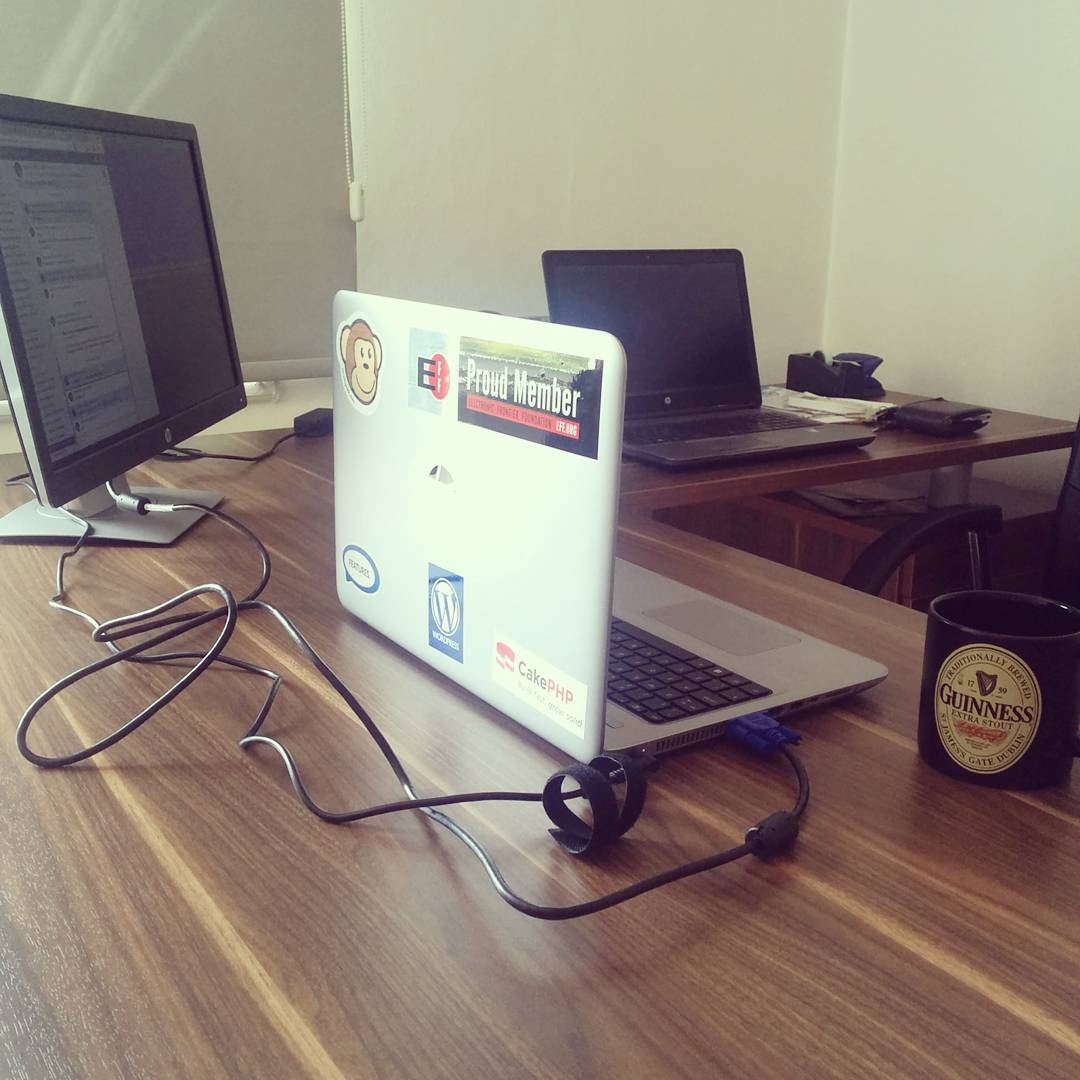
Last week, in a very spontaneous move, I decided to try it out. We had a few of those 19-inch AOC monitors around, so I wasn’t exactly robbing anyone or anything like that. Within minutes I had unwrapped, connected, and configured in my Gnome, and I have to say that that is one of the best technology experiences I had in the last few years! It’s totally awesome!
Now, having two monitors configured as one huge desktop, I can either keep my browser separated from my consoles, or more code than every before in front of my eyes without switching virtual desktops, or have all my instant messaging at hand without polluting my main workspace. That’s brilliant, I tell you.
Downsides? Yes, sure. I haven’t yet learned to handle the setup properly, so I have to logout of my graphical interface and log back in every time I take my laptop home. It would have been so much easier if just plugging the monitor in would work. I hear that a docking station might improve the situation, but that remains to be seen.
And what I want now? More monitors. I’d love to have another monitor at work, and I’d really want to have at least one more at home. But there is no place to put it at home (I’m working on a dining table), and I’m not sure there is a way to connect two additional monitors to a laptop at work. But overall, multi-monitor setups is definitely an area I need to investigate more.
Tags: Computers, environments, hardware, job, laptops, office, work
Posted in All, Technology on
November 6th, 2008
·
Comments Off
I came across an interesting opinion by David Cole regarding the use of Internet connected laptops in the classrooms, during lectures.
study found that laptop use was significantly and negatively related to class performance
While I was reading the article, I kept nodding my head a lot. Yes, if I was back in college and I could have an Internet connected laptop on my desk, I’d be even worse of a student than I was. YouTube, forums, emails, Twitter, and a whole lot of other attention grabbers would not leave much for plain old college education. At least in my case. I know.
But then, I started thinking if that was true for other people I know. And I couldn’t be so sure anymore. A few guys I know literally can’t stay for too much long wihtout a computer and some sort of Internet connection. It’s like food or oxygen - they just have to have it. And when they have access to a computer, it’s often amazing to see them use it. Lots of interesting, topic related stuff coming up. Fact checking. Exploring the topic deeper and wider. With quotes and all.
And that got me into this idea of a new generation. Younger people, who grew up online. Web is in their blood. A desktop computer as an ugly concept, and an offline computer as a useless box. This kind of people. I don’t think they would be much distracted. In fact, quite the opposite - I think their grades would go up with better Internet connection and laptop-friendlier environment.
And that’s where I started worrying a little bit about the studies that were mentioned in the article. These studies may be very accurate now. And they are performed by bigger universities and colleges. The results of these studies will take a few years of propagating into smaller colleges and universities. And that’s where the problem will arise. By that time, most new students will of the web native generation, but their alma maters will be choosing to disconnect them and ban their laptops. Even though it probably won’t be too relative by then.
But then again, isn’t it like this most of the time? I think it is.
Tags: college, Computers, education, experience, laptops, study, Technology, university
Posted in All on
November 1st, 2005
·
Comments Off
I have two identical computers under my desk. One is to my left and another is to my right. My workstation is to the left. The computer to my right is not mine and I don’t have anything to do with it. It just has to stay there.
During the last two days I spent more than two hours troubleshooting all sorts of wierd problems with my PC. Yesterday I had a problem with DVD writing. I was inserting the empty disk, but the drive woldn’t recognize it. Software was insisting that no disk was in the drive. Today I had a problem with USB storage. I was sticking it in, but nothing was happening. Not like it wasn’t recognized. More like the USB port itself was dead.
I was running all sorts of debugging, tracing, and monitoring. I almost got as far as kernel compilation. Luckily I realized the source of the problem before that.
You see, I am right-handed, so reaching to my right is easier and simplier for me. Add to the fact that for the last five or so years, my office workstation was always to my right. Needless to say that I have to be more careful and pay more attention in my new setup. Otherwise, strange things can happen to my productivity.
Tags: Computers, experience, Personal, work
Posted in All on
November 1st, 2005
·
Comments Off
It’s been a really long while since I looked at Brainbench.com. I used to take a lot of tests an even have few certificates from the early days. I even remember when it was called something else.
Anyway, today I got reminded about this huge repository of tests and certifications and I decided to check it out. Overall there are more than 600 tests that cover a large part of both practical and theoretical computer industry. Here is the list of free tests that you can take.
Just to see if I still have it I took a couple. And passed. The results weren’t as high as they could have been because I wasn’t fully focusing and I was in the middle of the noisy office, but I am satisfied anyway. Check the results below, if you are interested enough.
[Read more →]
Tags: Computers, Personal, tests, work
Posted in All on
October 26th, 2005
·
Comments Off
Ovid once again does an excellent job. This time he talks about choosing proper tools for the job, using computer programming languages as examples.
Do not choose solutions if you don’t know what the problem is.
Tags: Computers, Java, Perl, Programming